When Cloud Sync for ID Scanners Pays Off
A fake ID stopped at one door should not become another location's problem tomorrow night. Cloud sync for ID scanners gives multi-device and multi-location operators a way to carry critical patron intelligence beyond a single scanner, shift, or venue. Used well, it helps teams recognize banned patrons, identify VIPs, and keep operational records aligned without slowing down age verification at entry.
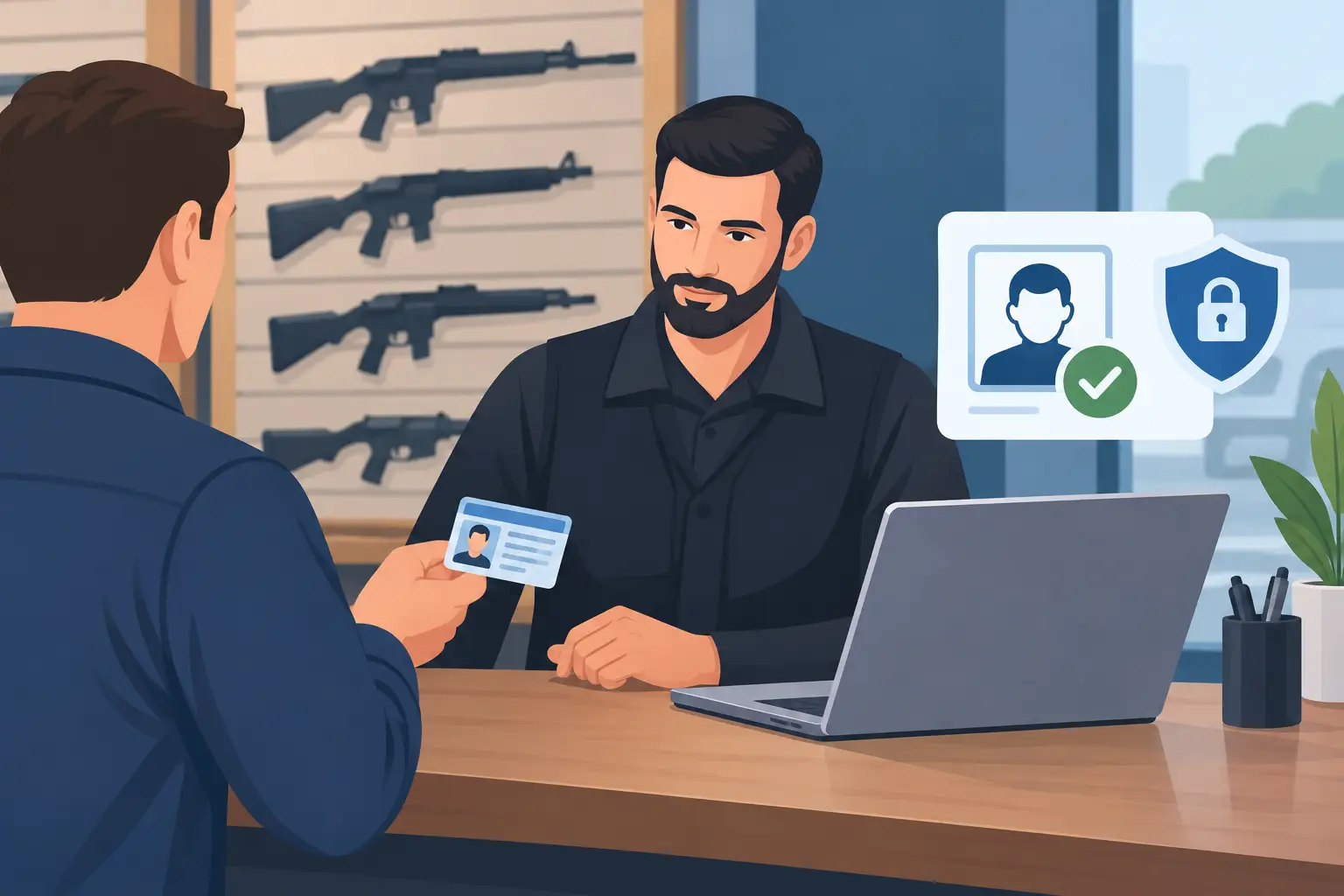
That value is real, but cloud connectivity should support the door, not become a dependency. For bars, clubs, dispensaries, gun shops, and other identity-verified businesses, the best setup combines synchronized information with offline-first scanning. Your team still needs instant age verification and suspicious ID detection when the Wi-Fi is weak, the network is down, or an event creates a packed entry line.
What Cloud Sync for ID Scanners Does
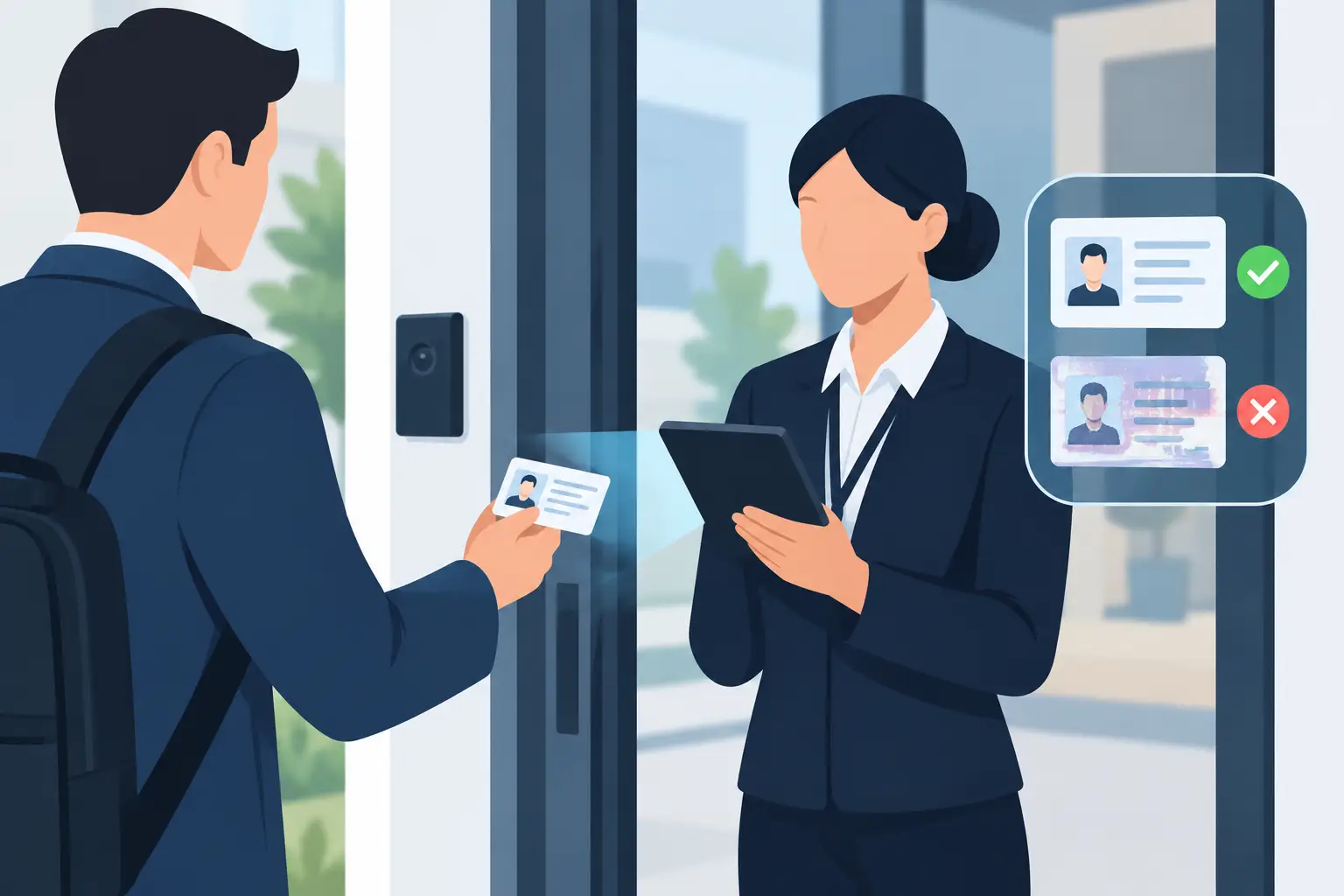
A standalone ID scanner gives a door team immediate answers from a driver's license or passport. It can verify age, read identity data, and analyze document security features for signs of fraud. That is enough for many single-location operators, especially those that want a direct-purchase device with no subscription required for core scanning.
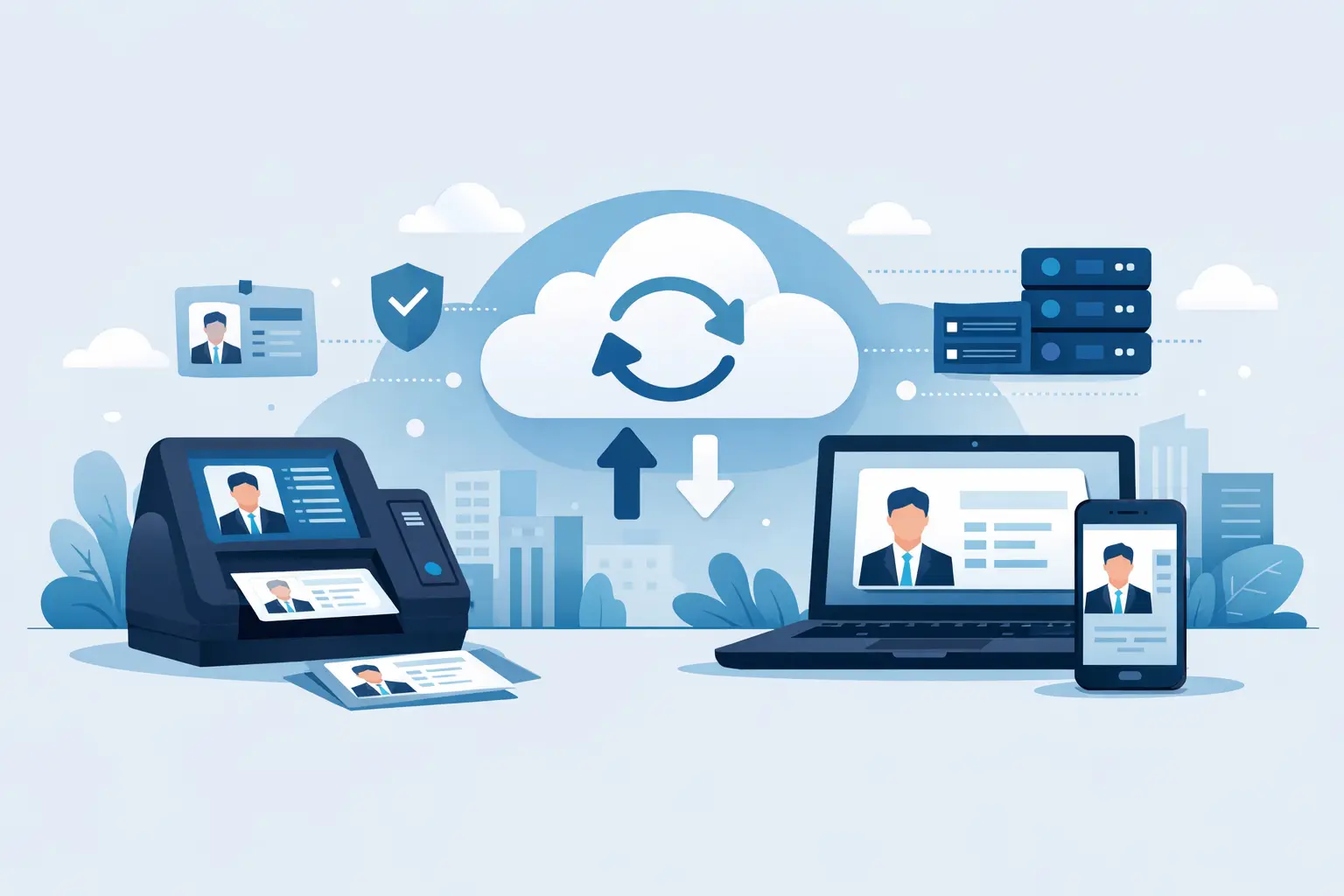
Cloud synchronization becomes useful when the information collected at one device needs to be available elsewhere. Rather than treating each scanner as an isolated checkpoint, authorized devices can share relevant patron records and operational status. A security manager can create a banned-patron alert at one entrance, and other connected devices can recognize that person when they appear later.
The practical benefit is consistency. The front door, patio entrance, VIP line, and manager's office are working from the same current information instead of relying on radio calls, screenshots, handwritten notes, or staff memory.
Shared banned-patron intelligence
A banned-patron list only protects the business if the person is recognized before entry. Cloud sync can distribute updated alerts across approved scanners, helping security teams act on prior incidents with a documented, repeatable process.
This matters most for operators with multiple entrances, several shifts, or more than one location. A patron removed from one venue may attempt entry at a sister venue the following weekend. Shared alerts give staff a reason to pause, review the record, and follow the venue's established policy rather than making a rushed judgment at the rope line.
VIP recognition without the clipboard
Cloud sync is also an operational tool, not just a risk-control feature. When VIP status is visible across the devices used by authorized staff, hosts and door teams can deliver a more consistent guest experience. The important distinction is that VIP recognition should remain purposeful and limited to the people who need it to do their jobs.
For a high-volume venue, that can reduce unnecessary back-and-forth at entry while preserving a professional check-in process. It also prevents VIP notes from living on an unprotected personal phone or an outdated paper list.
Better visibility across devices and sites
A single busy location may use several scanners during peak hours. A regional operator may run locations in different cities. In both cases, sync reduces the gap between what happened at one door and what the wider operation knows.
That does not mean every data point needs to be shared indefinitely. A sound cloud setup lets the business decide what is retained, who can access it, and how long it remains available. The goal is actionable patron management, not collecting more information than the operation needs.
Cloud Sync Is Not a Substitute for Offline Verification
Connectivity is not guaranteed at the moment a decision matters most. Networks fail. Cellular service gets crowded. Routers are restarted during service. A venue may be operating from a temporary entrance or an outdoor event footprint where coverage is unreliable.
That is why the scanning device must continue to do its core job offline. Instant age verification, ID reading, and suspicious ID analysis should not stop simply because the device cannot reach the cloud. The door team needs a clear answer in seconds, whether or not a network is available.
An offline-first model also protects operating continuity. Staff should not be forced into a manual fallback process when connectivity drops. When the connection returns, approved cloud-synced information can update according to the system's configuration, but entry operations never have to wait for it.
For many businesses, this hybrid approach is the right balance: local verification for immediate decisions and cloud synchronization for shared operational awareness.
When Cloud Sync Makes Financial Sense
Cloud features are most valuable when they solve an active operational problem. A single dispensary with one scanner and a stable, experienced staff may get all the protection it needs from standalone scanning. It can verify age, screen for suspicious documents, and maintain a fast customer flow without taking on a recurring cloud service.
The calculation changes when missed communication creates exposure. If a banned patron enters through a side door because that device lacks the latest list, the cost may include a safety incident, staff time, property damage, lost business, and reputational harm. If one location repeatedly deals with fraudulent IDs but the other locations cannot benefit from that experience, the operator is leaving a preventable gap open.
Cloud sync usually earns its place when an organization has several of these conditions:
- Multiple scanners operating at the same venue
- Multiple locations that share ownership or security standards
- Frequent staff turnover or rotating door teams
- A meaningful banned-patron or VIP program
- Incidents where fast access to current patron context affects safety or service
The point is not to add software because it is available. The point is to reduce errors that happen when information is fragmented.
Privacy Controls Must Be Part of the Operating Plan
An ID scan can involve sensitive personal information. That makes privacy controls an operational requirement, not a legal footnote. Venue operators should decide before deployment what information is necessary for verification, what information is necessary for patron management, and what should not be stored at all.
Verification-only mode is a practical option when staff only need to confirm age and ID validity without retaining personal data. For venues that need alerts or recognition tools, configurable retention periods can limit how long records remain available. Data minimization keeps the system focused on the purpose at hand rather than turning entry screening into open-ended surveillance.
Access controls matter just as much. A host may need to see a VIP indicator. A security director may need authority to create or review a banned-patron alert. Neither role automatically needs broad access to every record. Set permissions by job function, review access when staff leave, and train teams not to share screenshots or credentials.
Encryption also belongs in the evaluation. Information in a cloud-connected system should be protected in transit and at rest, with security measures such as AES-256 encryption supporting the platform's privacy controls. But technology alone does not create a responsible program. Clear retention rules, limited access, and staff accountability complete the picture.
How to Deploy Cloud-Synced Scanners Without Slowing the Door
Start with the workflow, not the settings screen. Map where IDs are scanned, who handles exceptions, and which staff members can add or remove a patron alert. If the process is vague, the cloud system will only distribute vague decisions faster.
Define what qualifies a person for a banned-patron alert. It may be a documented safety incident, a trespass notice, repeated fraud attempt, or another event defined in your policy. Include a review process so outdated or incorrect records do not remain active without oversight. Door staff should know what an alert means, who makes the final call, and how to escalate without arguing at the entrance.
Next, test the system during a lower-volume period. Scan sample IDs, confirm that authorized devices receive the intended information, and test what happens when a device loses connectivity. The correct result is straightforward: core verification continues locally, while cloud-dependent updates wait until a connection is restored.
Kred Cloud is designed for this type of multi-device synchronization while Kred scanners retain core scanning functionality without a mandatory subscription. That distinction lets operators choose cloud services when shared intelligence is useful instead of paying recurring costs for capabilities they do not need.
Finally, measure the result in operational terms. Track whether staff can identify banned patrons more consistently, whether VIP entry is faster, whether fewer issues require manager intervention, and whether the door stays moving during outages. The best security technology should create fewer surprises, not more screens for staff to manage.
Cloud sync should make every device more informed while keeping every door capable of operating on its own. Build your policy around that standard, and the technology can support safer entry decisions without adding friction to the guest experience.