Choosing an ID Scanner With No Subscription
A packed door is the wrong place to discover that your age-verification system needs an internet connection, a renewed license, or a payment approval before it can scan the next guest. An ID scanner with no subscription gives bars, clubs, dispensaries, and other age-restricted venues a more predictable foundation: purchase the hardware, verify IDs at the door, and keep operating without a recurring software charge for core scanning.
That does not mean every no-subscription scanner delivers the same level of protection. The decision should come down to what the device can verify, how it handles suspicious documents, whether it works offline, and how much control your venue has over patron data. The right system protects your license, your staff, and your entry process without creating a new monthly operating burden.
What “No Subscription” Should Mean
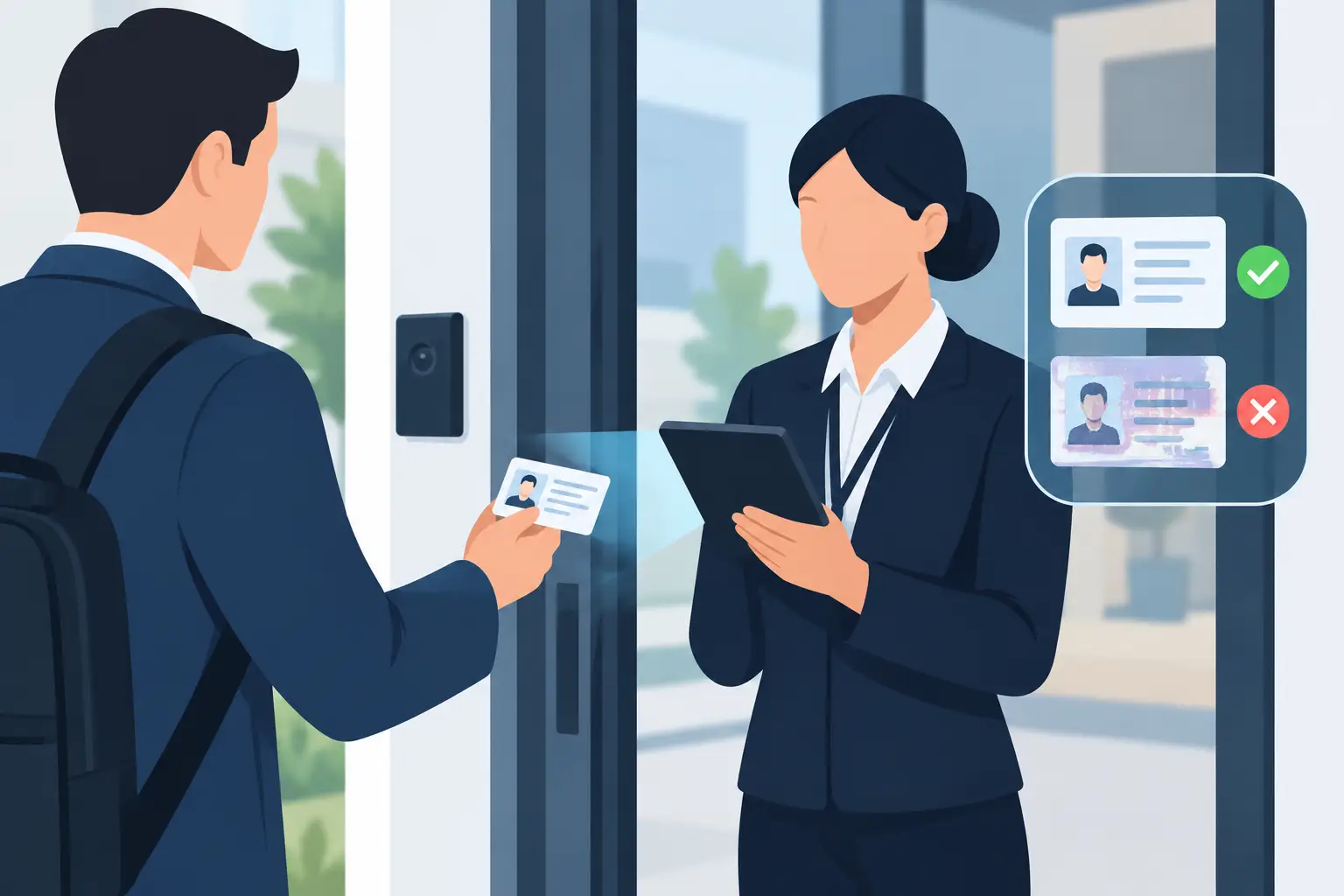
For a venue operator, no subscription should mean that the essential job is available after the device is purchased. Staff should be able to scan a driver's license or passport, receive an instant age result, and screen for signs of a suspicious or fake ID without being forced into a monthly plan.
Read the product terms carefully. Some systems are sold as low-cost hardware but reserve basic age verification, document authentication, reporting, or offline functionality for paid tiers. Others offer a free trial that becomes a required recurring fee once the trial ends. That pricing model can turn an apparently affordable scanner into a permanent expense across every door and every location.
A direct-purchase model is often the better fit for independent operators and venues with a fixed security budget. You know the cost of the equipment before deployment and can build it into your capital expense instead of carrying another software invoice every month.
Cloud services are different. Multi-device synchronization, centralized patron intelligence, and cross-location alerts can be valuable for larger groups, but they should be optional. A single-location bar should not have to buy cloud access simply to confirm that a guest is old enough to enter.
What an ID Scanner With No Subscription Must Do
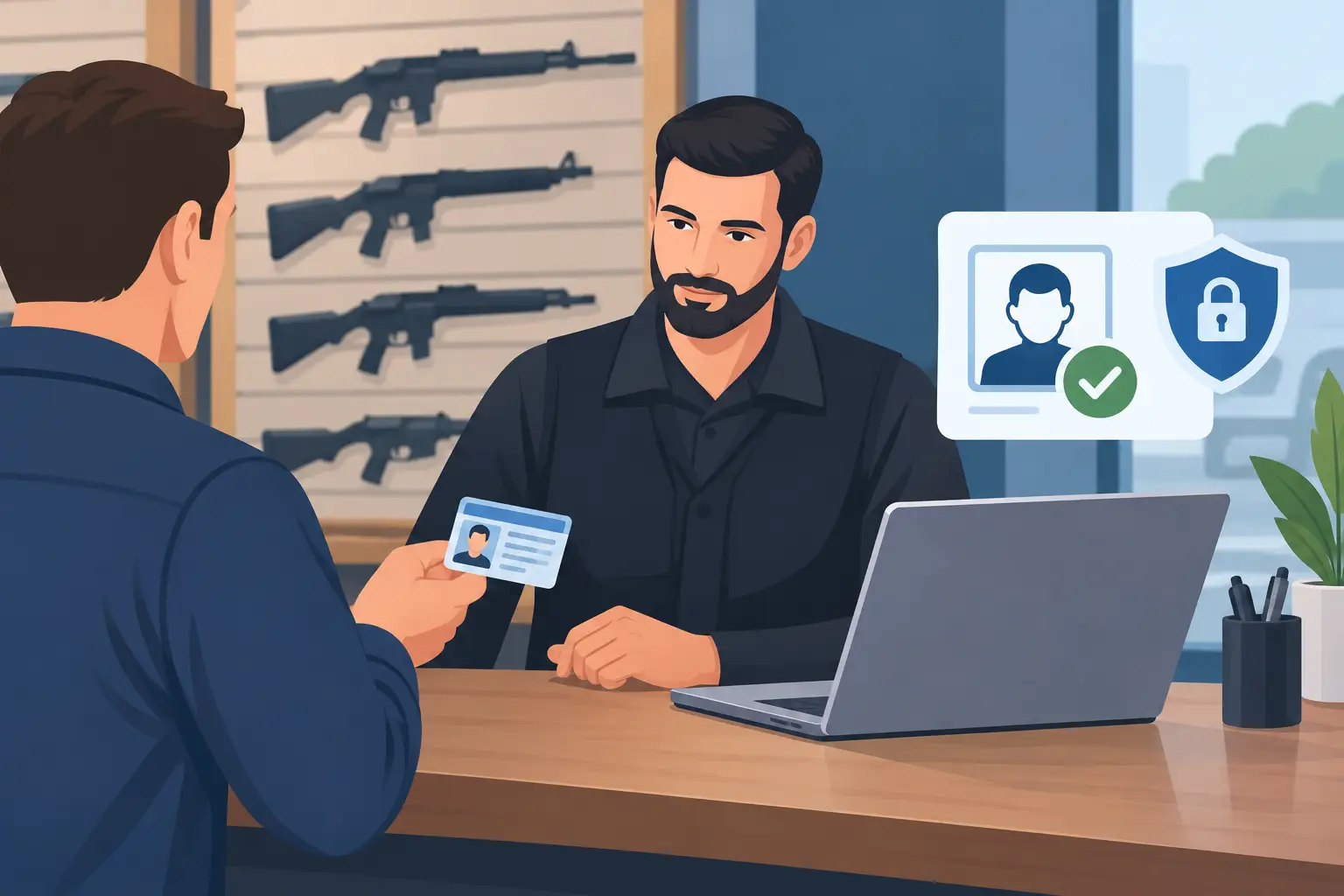
The first standard is fast, accurate age verification. A scanner should read common US and Canadian driver's licenses and support passports where relevant to your operation. The result needs to be clear enough for door staff to act on immediately: of age, underage, expired, or unable to verify.
Speed matters, but speed alone does not protect a venue from modern fake IDs. A barcode can be copied, altered, or placed on a counterfeit card. Look for a system that goes beyond reading the barcode and analyzes document security features. Kred scanners, for example, analyze more than 60 security indicators to identify suspicious IDs while providing a clear result at the point of entry.
The practical question is not whether a device can scan an ID. Most can. The question is whether it gives staff useful information when an ID looks legitimate at a glance but carries inconsistencies that warrant a second look. Your team still needs sound door judgment, but the scanner should provide a meaningful security layer rather than a false sense of confidence.
Offline capability belongs in the core requirement, not the fine print. Wi-Fi outages, weak cellular coverage, crowded events, and network changes happen. If age verification stops when connectivity drops, your door operation either slows down or reverts to manual inspection at the busiest possible moment. An offline-first scanner keeps core verification available and can synchronize optional cloud data later when a connection returns.
Separate Core Entry Screening From Optional Cloud Tools
A subscription-free scanner is not necessarily a scanner with no advanced capabilities. It is a scanner that lets you choose when expanded tools are worth the cost.
For a standalone venue, local scanning may be all that is needed. The priority is to stop underage entry, flag suspicious documents, and maintain a quick, consistent front-door process. Portable hardware can also be useful for pop-up events, patios, special entrances, and security teams moving between checkpoints.
For multi-location operators, optional cloud synchronization can add operational value. When devices share patron intelligence, a banned-patron alert created at one location can be available to another authorized location. VIP recognition can also help teams identify regular guests without relying on memory or handwritten notes. These functions are useful when they solve a real operating problem, not because they are bundled into a mandatory plan.
Before selecting a system, decide which information needs to stay on one device and which information, if any, should be shared. That choice should be driven by your operating model, privacy practices, and authorization structure.
Privacy Controls Are Part of Door Security
ID scanning creates a responsibility to handle patron information carefully. A venue may need proof that it checked an ID or a way to identify repeat problem patrons, but it does not need to collect every piece of information on every document forever.
Look for verification-only workflows that allow staff to confirm age without retaining unnecessary personal details. Configurable data-retention periods are also important. They let an operator establish a policy that matches its risk needs rather than accepting permanent storage as the default.
Encryption matters as well. Information stored or synchronized through a scanning platform should be protected with strong controls, including AES-256 encryption where applicable. Access permissions should be limited to the people who need them, and staff should know what the system records before the first shift begins.
Data minimization is both practical and protective. Less unnecessary data means less to manage, less to expose, and less confusion when a guest asks how their information is being handled. It also helps venues build a process that is easier to explain to staff and easier to administer over time.
Evaluate the Hardware for the Door You Actually Run
A scanner can have strong software features and still create friction if its hardware is poorly matched to the venue. Consider where the device will be used, who will hold it, and how the entry line behaves on a busy night.
Portable scanners are usually the right choice for operators who need flexibility. A compact device can work at a single host stand, while a more capable portable unit may suit a high-volume entrance or a security team that needs additional patron-management functions. Battery life, screen visibility in low light, scan speed, durability, and how easily staff can learn the workflow all affect real-world performance.
Ask to see the complete scan path. How many steps does a guard take from presenting an ID to receiving a result? What does the screen show when an ID is underage, expired, or suspicious? Can a new employee use it correctly after practical training? At the door, clear alerts are more valuable than dense technical details.
It is also worth considering how the scanner handles exceptions. Foreign passports, damaged IDs, glare, and guests who question a result are normal parts of nightlife operations. Staff need a process for resolving those moments without blocking the entire line or allowing pressure from the crowd to override policy.
Calculate Cost Beyond the Monthly Fee
Avoiding a subscription is a cost-control decision, but the lowest purchase price is not always the lowest operating cost. A weak scanner can create long lines, inconsistent checks, missed fake IDs, and more pressure on staff. Those failures can cost far more than better hardware.
Compare the full operating picture: purchase price, number of devices needed, optional cloud fees if you choose them, training time, replacement needs, and the consequences of a device that cannot operate offline. Then weigh those costs against the risk you are managing. One underage-service incident, fraud-related chargeback, or preventable disturbance can have consequences that extend well beyond a scanner budget.
The most disciplined approach is to buy the protection your venue needs now, while preserving the ability to add connected tools if your operation grows. That keeps security spending aligned with the business instead of locking every location into features it may never use.
Questions to Ask Before You Buy
A vendor should be able to answer direct operational questions without vague promises. Ask whether core age verification and suspicious-ID detection work without a subscription and without internet access. Confirm what document types are supported, what happens during an outage, and whether the scanner checks more than barcode data.
Also ask how the system stores data, whether verification-only mode is available, how long data can be retained, and who can access it. If you operate multiple venues, ask whether cloud synchronization is optional and how banned-patron alerts are controlled across locations.
Finally, ask what door staff see. A security tool only works when its alerts are clear enough to support a fast, confident decision. The best ID scanner is not the one with the longest feature list. It is the one your team can depend on when the line is out the door and the risk is real.
Choose hardware that keeps the essentials in your control: instant age verification, suspicious ID detection, offline operation, and privacy-conscious handling of patron information. Add cloud capability when it serves your operation, not because your scanner stops working without it.